
Offline PDF reader
Open reports, eBooks, and manuals from phone storage, search embedded text, and copy passages — including password-protected files you can unlock.
Private offline PDF reader and editor — highlight, fill forms, sign, and merge on your phone.

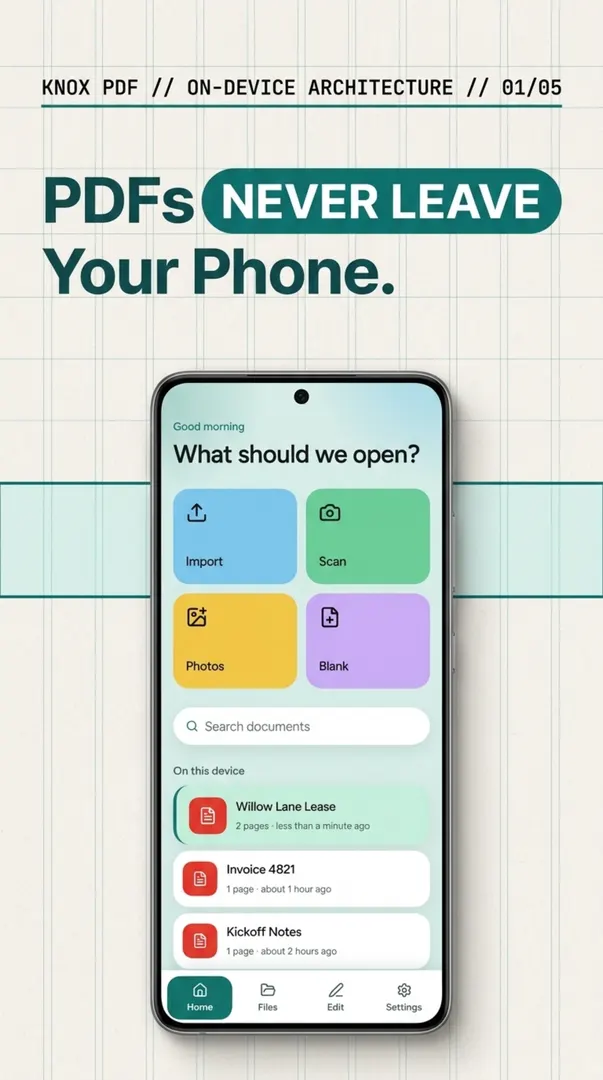
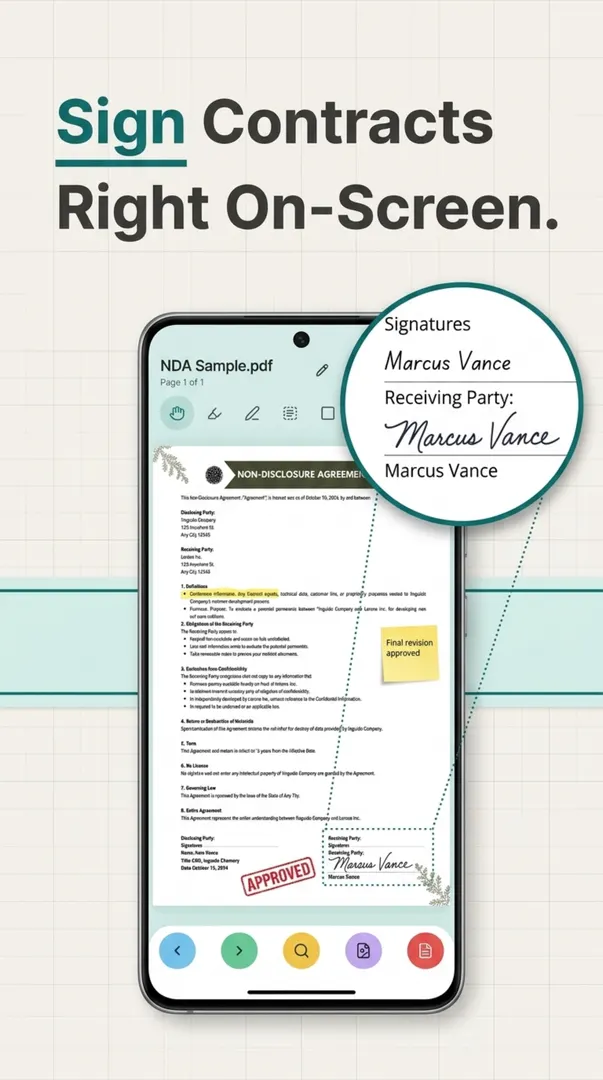
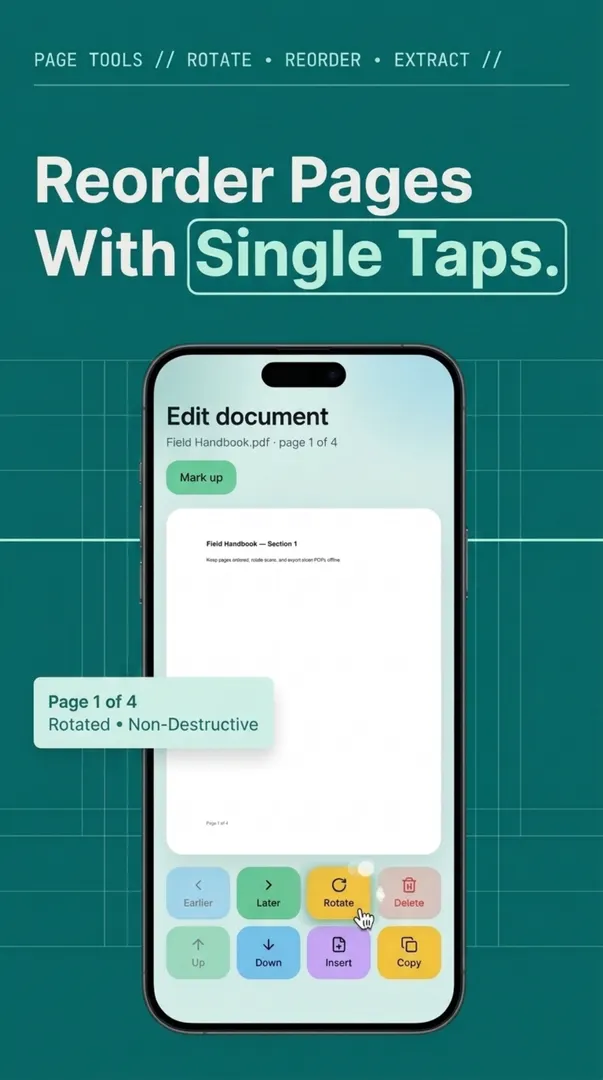
Knox PDF: Reader and Editor is a Productivity app from Knox Studios (Google Play developer Knox_Studios). Private offline PDF reader and editor — highlight, fill forms, sign, and merge on your phone. See it with the other privacy and offline tools.
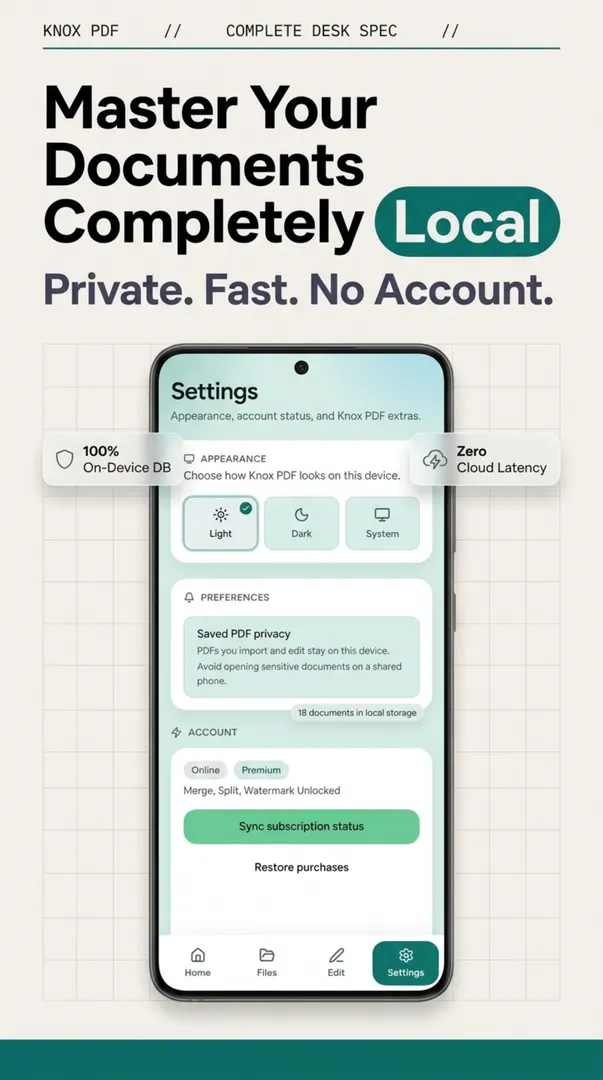
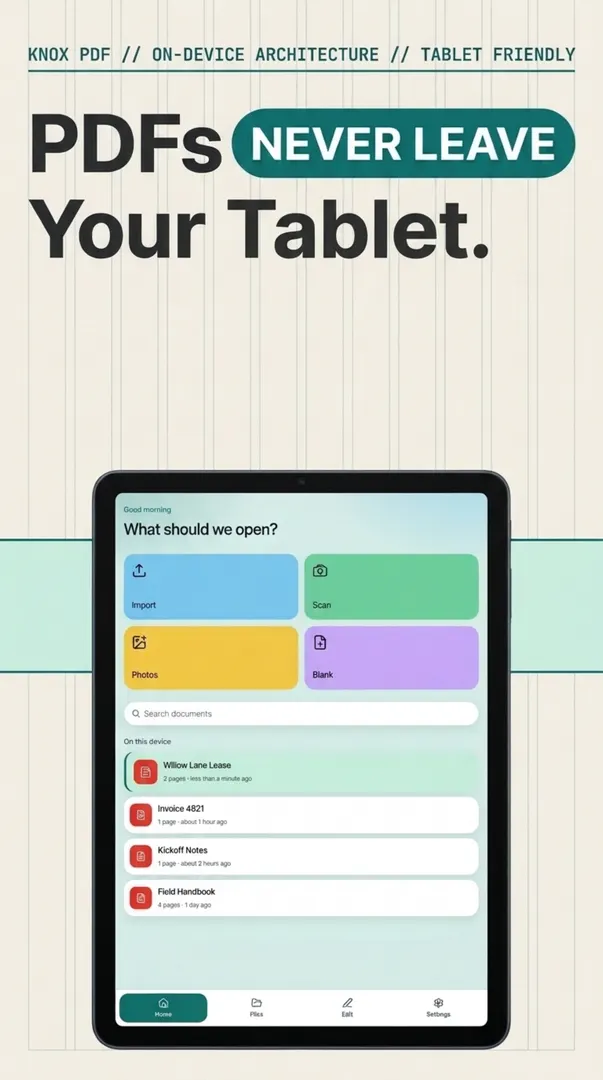
Knox PDF is a fast, private PDF reader, editor, and document manager that stays on your Android phone. Open, search, highlight, annotate, fill text and checkbox forms, and organize pages without uploading contracts or IDs to a cloud. Password-protected files stay read-only. Premium adds merge and split, typed text and signatures, stamps, watermarks, and page-flattening redaction. No account is required.
Open reports, eBooks, and manuals from phone storage, search embedded text, and copy passages — including password-protected files you can unlock.
Highlight, draw, add sticky notes, and place lines, rectangles, or ovals with undo and redo.
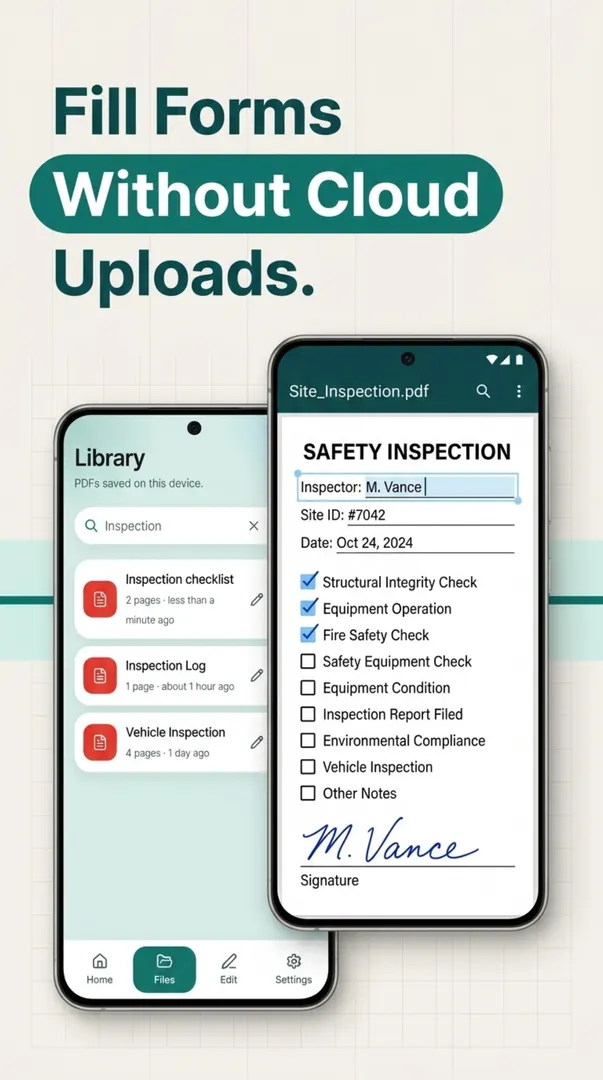
Complete text fields and checkboxes, then save the updated PDF locally.
Reorder, rotate, and delete pages for free. Premium adds merge, split, typed signatures, stamps, watermarks, and flattened redaction.
Knox PDF edits the file on the phone. Acrobat is Adobe’s PDF product, including cloud features. This table does not claim every Acrobat edit uploads the file.
| App | Account required | File upload required to edit | Edit a PDF offline | Monthly fee |
|---|---|---|---|---|
| Knox PDF | No | No Knox cloud upload | Yes. Reading, highlights, form fill, and page organize stay on the phone. | Free to download. Optional Premium for merge, split, signatures, and redaction. No Knox cloud fee. |
| Adobe Acrobat | Not stated on a vendor page checked for this table. | Not stated as a rule for every edit. Acrobat includes Adobe cloud storage. | Not stated on a vendor page checked for this table. | Acrobat has free and paid plans. Current price: see adobe.com. Not copied here. |
Knox cells are from the Knox Studios app listing. Competitor cells left as “not stated” were not copied from a vendor page on November 15, 2026.
Listing and publisher details for search engines and store discovery.
com.knoxstudios.pdfYes. Knox PDF stores and edits documents on your phone. There is no cloud upload and no required account.
Free includes viewing, search and copy, highlight and draw, notes, text and checkbox forms, page organize, photo-to-PDF, and text or page export.
Merge, split and extract page ranges, typed text, typed signatures, images on the page, Draft/Confidential/Approved stamps, watermarks, headers, footers, and page-flattening redaction.
Yes, if you have the password. Locked files stay read-only so the original encryption is preserved.
Yes. Import gallery images or take a photo and compile them into a local PDF.
Yes. Knox PDF does not require an account and does not upload the PDF to Knox. Highlight, form fill, and page organize work on the phone. Premium adds merge, split, typed signatures, and redaction.
Available now on Google Play from developer Knox_Studios. Built and maintained by Knox Studios.